this guide will teach you how to resize pictures you took thru windows without using some 3rd party image editing softwares
in this guide you'll learn:
-how to resize image size
-reduce image file size for better distributing
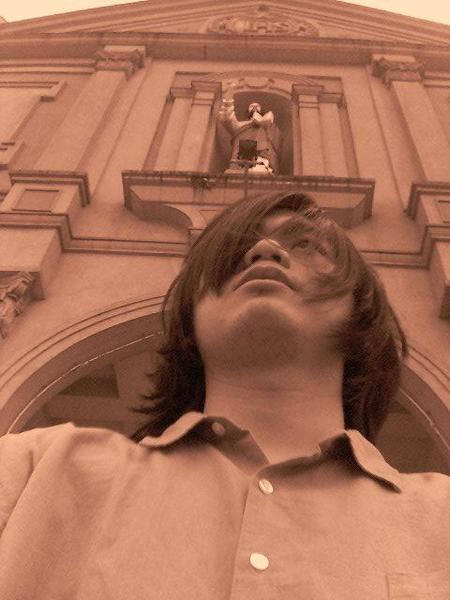
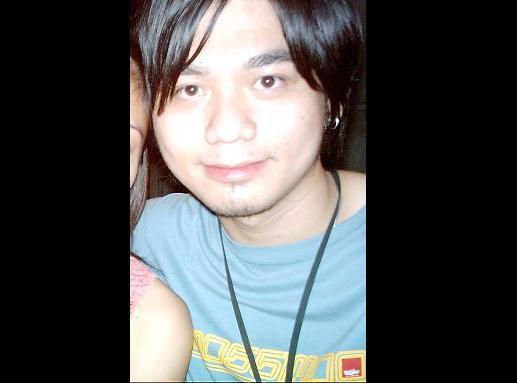
i'll use my recently posted picture as a reference
1. select which image size you want to edit:
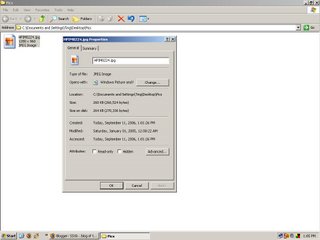
-right click on the file of the image and select properties
you'll see some information like size, date modified/created/accesed
*notice the picture above is 260kb in size and 1280x960 in resolution
now the image is too big for some people to send specially if you're on a dial up
connection it will take ages.
2.close the properties page and right-click again on the file select open with..>Paint
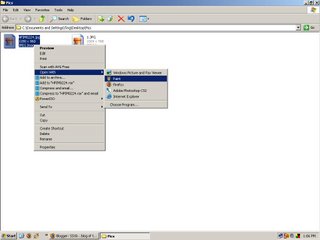
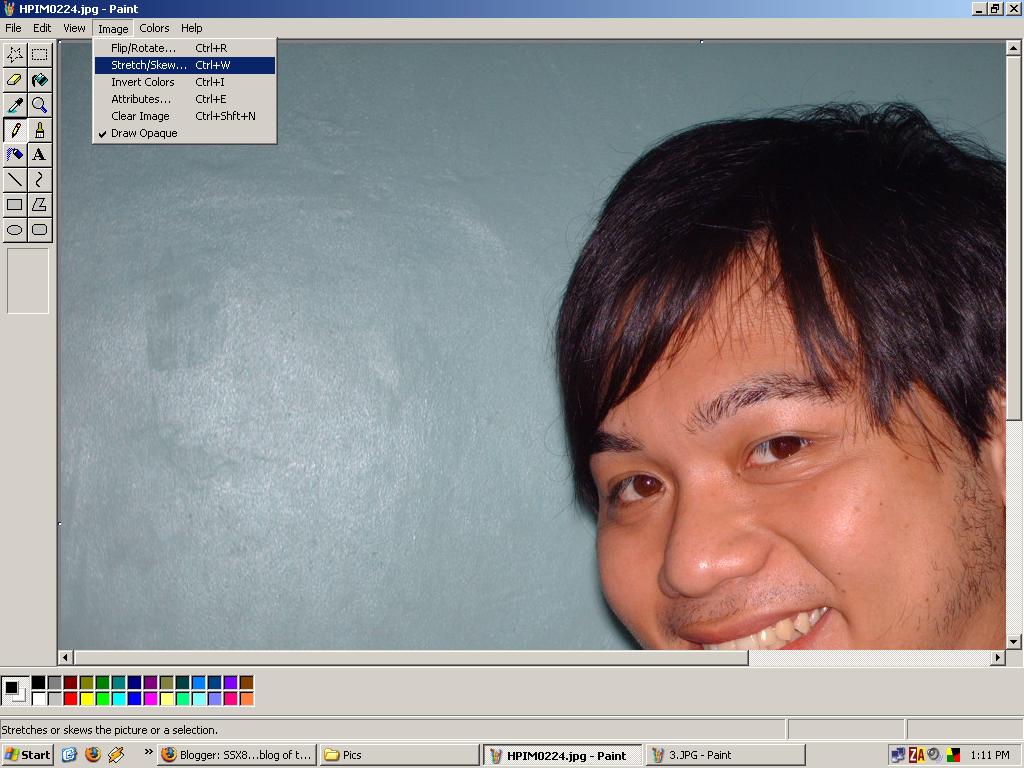
*MSPAINT will now be opened with your selected image you'll notice how big the image is
3. now to resize the image. on mspaint click image>sketch/skew
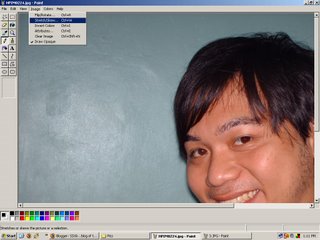
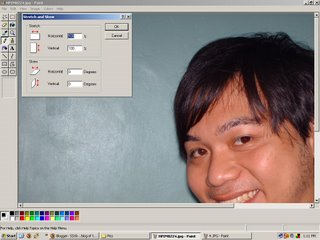
*a dialog box will appear now let's choose 50% for both horizontal and vertical
*notice the image shrinks its size 50%
4.save the image in your desired location,then now check the image size
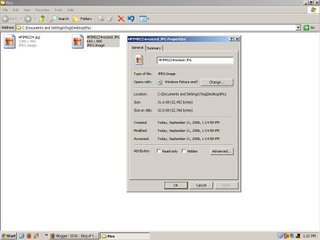
*noticed the image size got smaller? it's not 31.6kb compared to 260kb
the resolution got smaller too by 50%
now you can resize image size depends on how small you want.
thanks for reading my first guide.. more to come soon! =)